
Experimentation
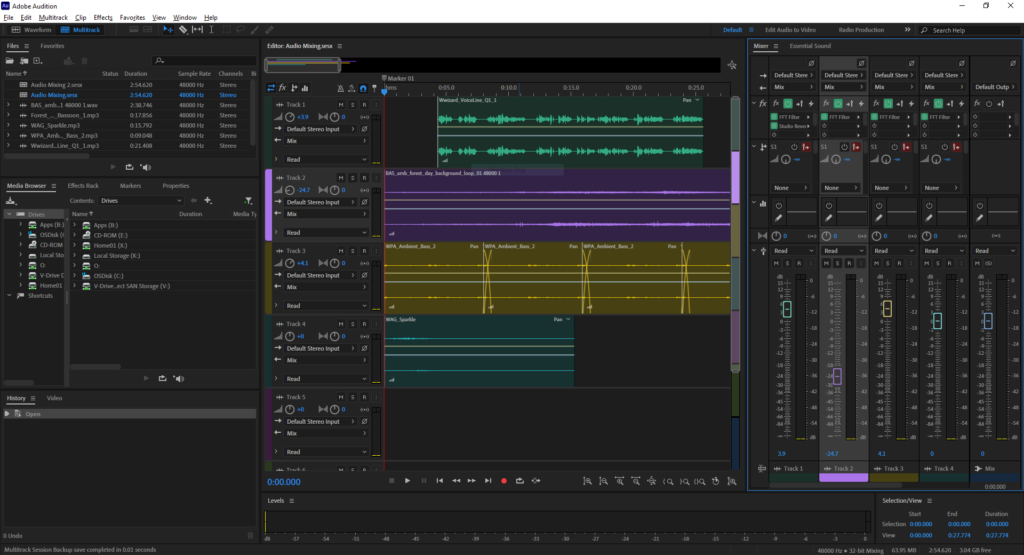
Audio Mixing
We mixed different audio sound bites to practice creating audio mixing that you might have in your game. We had to make sure it didn’t just sound like a mess of noise and that you could here each individual track of the mix. This will be helpful if I get time to make audio for my game.
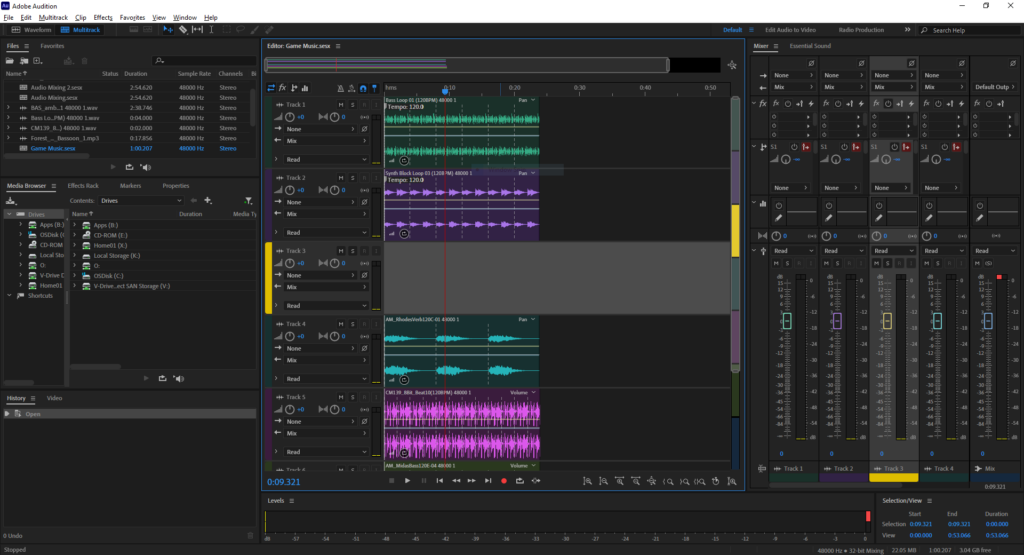
Game Music Loop
Using audio bites we had to make looping game music. We had to make sure that the BMPs lined up so it didn’t sound like a mess. This will be helpful for my game if I get time to make music for my game.
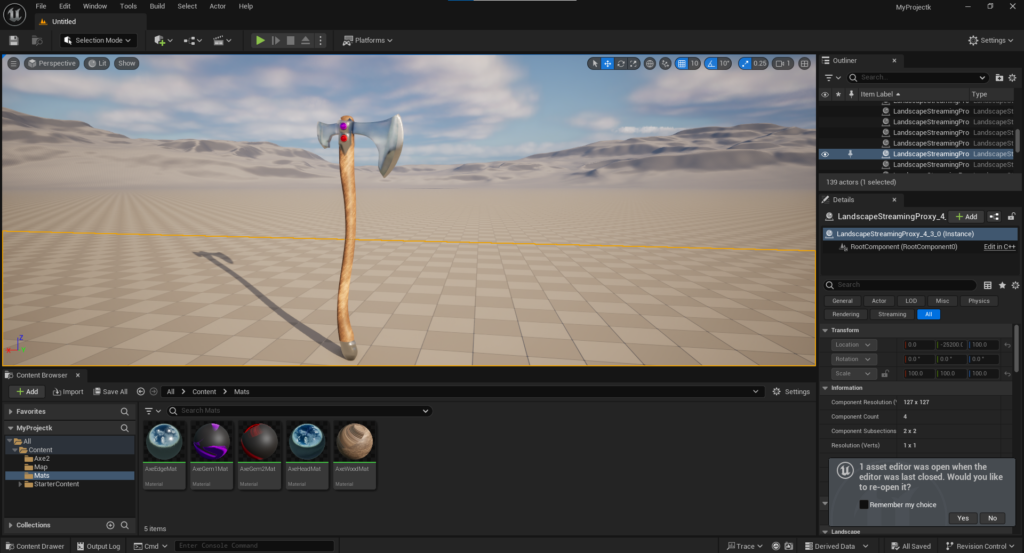
Importing
Me and Brendan need to figure out how to import models from Blender into Unreal Engine. We managed to figure out that we needed to export the model from Blender then put it into Substance Painter to texture it. Then finally you put the model and textures into Unreal and create the materials using the texture maps. This will be helpful as Brendan will be making the models in Blender and we will need to get them into Unreal Engine for the game.
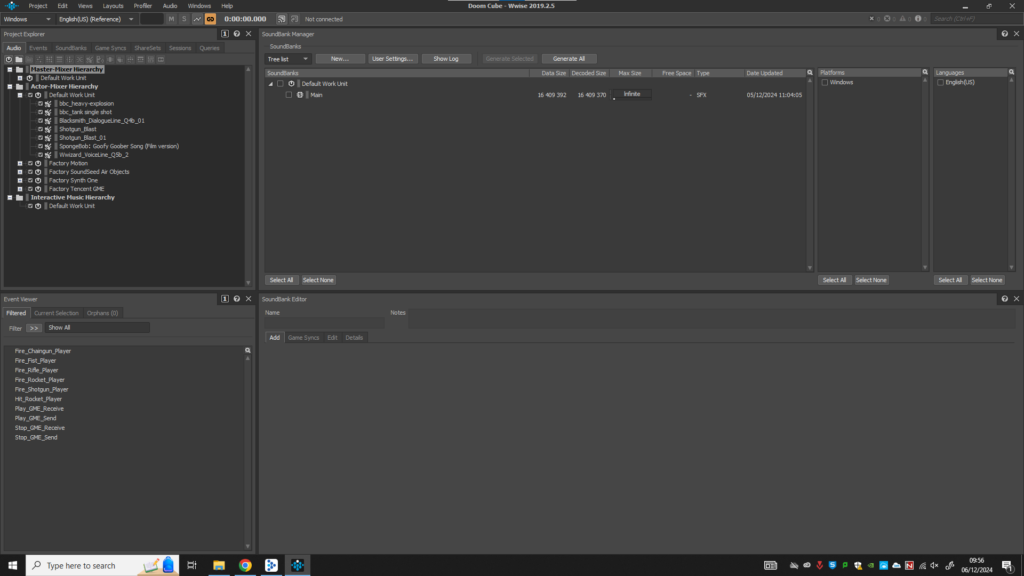
Wwise
We used Wwise to add sounds into games. First you open up your game project in Wwise and then import the sounds that you want. You next need to create the events for when you want sound to play. You have to make sure that the event is named the same in both Wwise and your game project or it won’t work. Next you link you sound files to your events. Then you compile all your sound files and events into a soundbank which is stored with your game. Now your game will have audio. I might use this for adding sound into my game or I might use Unreal Engines built in features to add audio if I get the time.