
Contents
- Proposal
- Research
- Idea Generation
- Primary Research
- Secondary Research
- Supreme Commander: Forged Alliance – Review – IGN
- Supreme Commander – Interview with Chris – Heaven Games
- Ashes of the Singularity: Escalation – Review – IGN
- Ashes of the Singularity – Interview with Brad – Gaming Nexus
- How to Travel to the Next Level through a Door in Unreal Engine 5 – Tutorial – YouTube
- How To Create A Main Menu – Tutorial – YouTube
- Unreal 5.1 Enhanced Input Actions – Tutorial – YouTube
- Edge Scrolling the Viewport using the Mouse (touching screen edges) in Unreal Engine 5 – Tutorial -YouTube
- How to pass DATA (Variables) from LEVEL to LEVEL using GAME INSTANCE – Tutorial – YouTube
- How to Make an Inventory System in Unreal Engine 5 – Tutorial – YouTube
- Evaluation
- Bibliography
- Pitch
- Pre-Production
Proposal
Scott-Tansom-FMP-Proposal-1Research
Idea Generation
Listing
- Light and dark
- Yin and Yang
| Yin: Black area white spot Retractive, passive and receptive Diplomat Resource gathering Frostpunk people pleasing/people management to get resources Manages resources/people White units and buildings Buildings can only be built on black ground White engineers – build resource extractors and resource storage | Yang: White area black spot Active, repelling and expansive Military Army building Builds defences and units for an army using the resources Manages defences/offensive Black units and buildings Buildings can only be built on white ground Black engineers – build unit factories and defences |
- Taiji – “Supreme Ultimate”
- Engineers can increase production of their buildings
- OR
- Types of resources Yin and Yang
- Yin is used to build resource based buildings and things
- Yang is used to build defences and armies
- OR Similar
- Mixture of Yin and Yang make different things
- PLUS
- Yin can make Yang
- Yang can make Yin
Final
| Yin: Black area white spot Job: Resources Yin can be made into Yang White engineers – build resource extractors and resource storage and can help production of resources Mainly black with accents of white | Yang: White area black spot Job: Combat Yang can be made into Yin Black engineers – build unit factories and defences and can help the production of units Mainly white with accents of black |
- Buildings require only Yin or Yang to build. (maintenance might require both e.g a shield generator)
- Shield generators – mix Yin and Yang to get different types of shields?? Yin is stronger Yang is bigger
- Units require a mix of yin and yang to be built. More defensive units require more Yin more offensive units require more Yang
- No ground colour requirements
Primary Research
SWOT Analysis
| Strengths -Coding experience and knowledge -Good at maths -Perfectionist | Weaknesses -Over ambitious sometimes -Time management |
| Opportunities -Make a fully working demo that has all the mechanics | Threats -Might be too ambitious -Distracted by outside influences which could slow production |
Production Schedule
| Week | Week Beginning | Activity |
| 1 | 26th February | Proposal |
| 2 | 4th March | Research |
| 3 | 11th March | Research |
| 4 | 18th March | Research |
| 5 | 25th March | Pitch Preproduction |
| 6 | 1st April | Production |
| 7 | 8th April | Production |
| 8 | 15th April | Production |
| 9 | 22nd April | Production |
| 10 | 29th April | Production |
| 11 | 6th May | Testing, bug fixing and final tweaks |
| 12 | 13th May | Evaluation Hand in at end of week |
Game Analysis – Supreme Commander: Forged Alliance
Player Controls & HUD
To control the camera you hold the middle mouse button to pan the camera and scroll the scroll wheel to zoom. You can also push your mouse to the edges of the screen to move the point of view around. If you zoom really far out you get the strategic view which gives you an overview of the whole map with icons representing different units and buildings. You use the right mouse button to tell things to move and the left mouse button to select and place. You can hold shift to select and place multiple things. You can also hold left click and drag your mouse across the screen to select multiple things. You can stack up multiple orders such as move here, shoot that guy and repair that thing which create a queue which works on the basis of first in first out (FIFO).
The HUD gives the player all the information they need while playing. They have a resource management block which tells the player how much storage they have and how full that storage is. As well the player is told how much of each resource is being used and how much is being produced and an overall profit. When you select a unit or building to get information such as its health, its production (how much it is make or/and using) and what they are doing (e.g. attacking, holding or advancing).
Resources & Production
There are two times of resources in the game: mass and energy. Both resources have infinite supply. Mass an be produced by placing mass extractors on mass nodes of which there are a limited number of on a map. Mass can also be produced by a mass producer that uses energy to make mass. Energy can be produced by generators which do not need anything to produce energy. If you put a generator next to other buildings then the generator will produce more energy per second. Like wise if you put mass storage next to mass extractors they will produce more mass per second. You can also make high tech (tier) extractors and generators to increase production of resources. You can also increase your storage with mass or energy storage builds which allow you to stock pile more resources. The maps are symmetric so that each team has equal advantages when playing.
Combat
To win the game you need to destroy the enemies commander. At the start of the game everyone starts with a commander that works and an engineer (can build things) and a combat unit (can shoot things). The commander can be upgraded to become better at engineering or combat. If your commander dies you lose the game. There are three separate modes of attack: land, air and sea which all have their own factories that are need to build the units. There are also buildings that can be used for defence such as point defence turrets, anti air turrets and shield generators. The game has a grid based building system. There is a tier system in the game called tech which allows you to make more powerful units and buildings. You start at tech 1 and level up through 2 and 3 to then get to the final tier of experimental which gives you access to the most powerful units in the game. There are 4 different factions in the game which all play in different ways and have access to different units and buildings at different tech levels.
Questionnaire
Secondary Research
Supreme Commander: Forged Alliance – Review – IGN
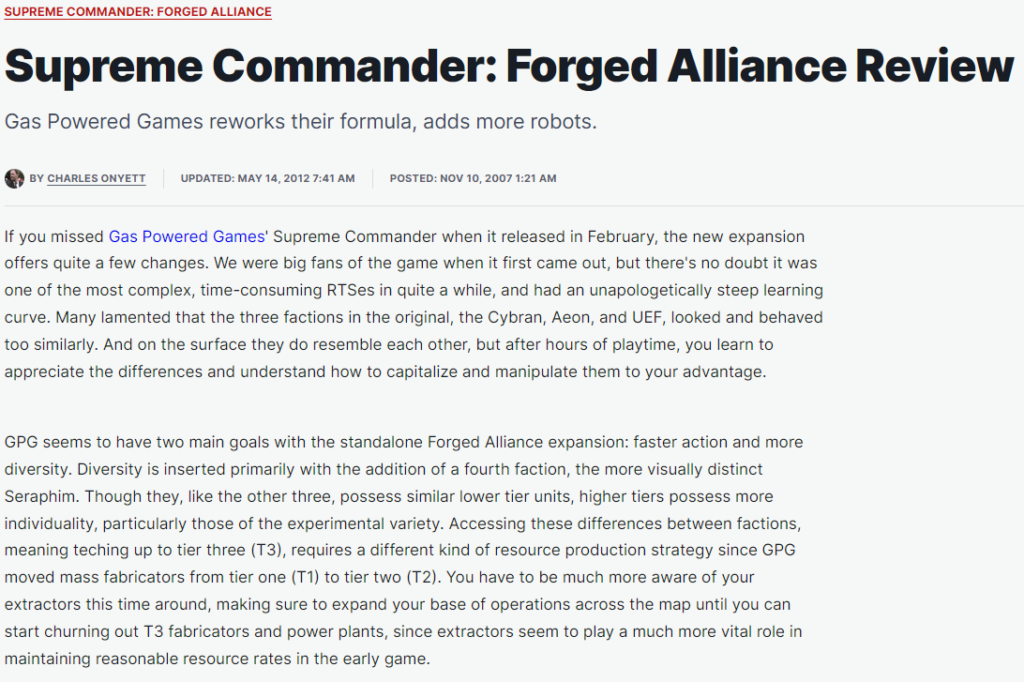
- This has helped me understand the importance of developing a UI that has all the features needed but also doesn’t take up too much of the screen so that the player can still see the action.
- This has helped me understand the need to have factions and that the factions need to differ from each other to offer unique gameplay styles.
- This has helped me understand the importance of balancing time within RTSs. To not make creation time for units and buildings too long.
- This has helped me understand the use of a tier system to control the speed of the game.
Supreme Commander – Interview with Chris – Heaven Games
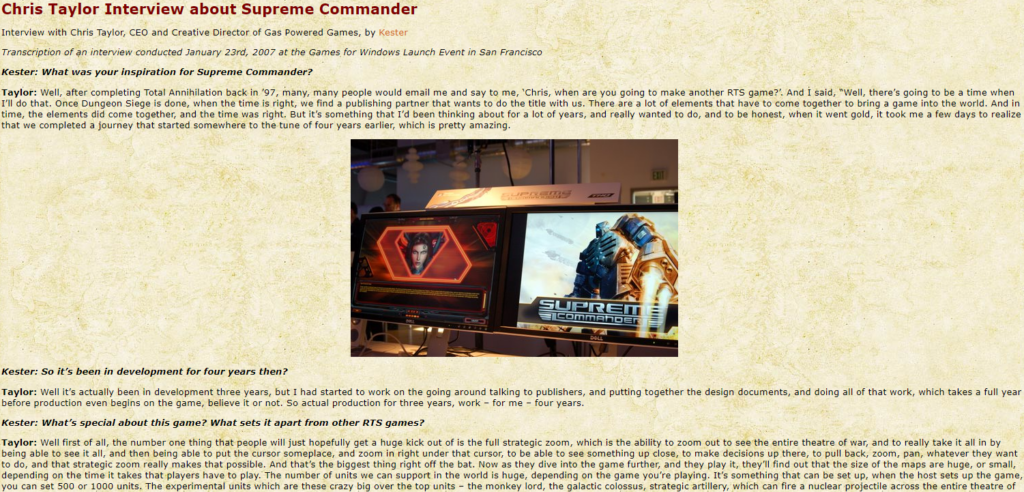
- This has helped me understand the importance of good camera control. Allowing the player to be able to see the entire theatre of war and have a great overview of everything that is happening.
- This has helped me understand the importance of needing a unique feature in a my RTS as there are so many RTSs.
- This could have been more helpful if they focused less on the modding aspects of the game and focused more on balancing.
- Something else that could have improved the usefulness of this article to my research would be if they talked about how the units work and decide what they are going to do.
Ashes of the Singularity: Escalation – Review – IGN
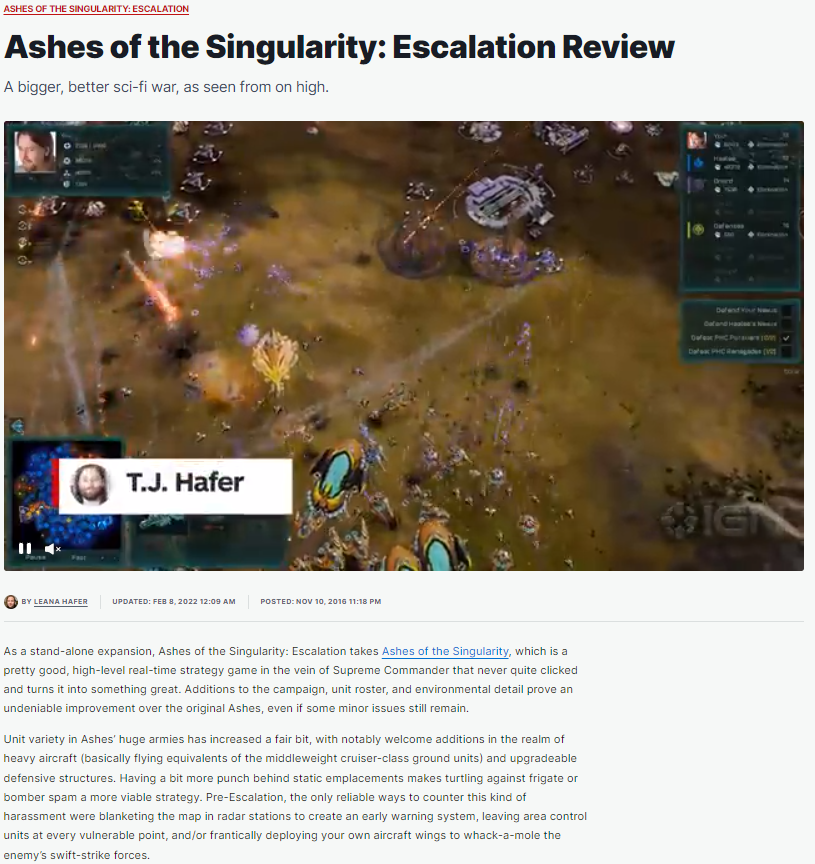
- This has helped me understand the importance of a strategic view that allows the player to see the whole battle and manage everything effectively.
- This has helped me understand the importance of balancing the units to make sure that none of the units feel completely useless.
- This could have been more helpful if they focused more on the progression system that the game has. E.g. Supreme Commander: Forged Alliance has the tier (tech) system
- This article could have been more helpful if they talked more about the features that they thought were the strongest in this game and why. So that I could take inspiration from the features that people enjoyed.
Ashes of the Singularity – Interview with Brad – Gaming Nexus
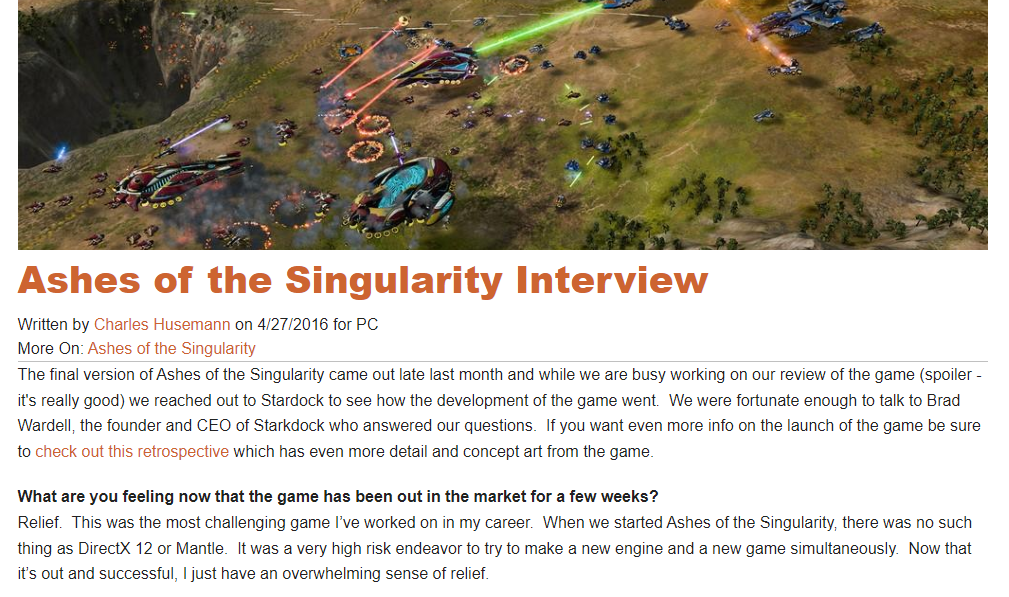
- This has helped me understand the importance of making the different factions/races/groups feel the same for the average/new player so that its easy to start but still have them be different and allow the hardcore players to use those differences.
- This could have been more helpful if it focused less on the campaign as that is not something that I plan on making for my game. Though it does bring up an important point of setting expectations for your game and also knowing what your audience wants.
- What would have been interesting and helpful is if they had talked about how they made maps and how they made sure they were balanced for all starting positions.
How to Travel to the Next Level through a Door in Unreal Engine 5 – Tutorial – YouTube
- This helped me understand how to switch between different level within Unreal Engine 5.
- This is helpful as I am planning on making a main menu which will allow you to load into a game and maybe even allow you to pick between multiple different levels/maps
- It was quick and to the point without much faff.
- Could have been better if it showed how to do it in the context of a menu system.
How To Create A Main Menu – Tutorial – YouTube
- This helped me understand how to create a main menu.
- It had the bonus of also showing me how to load into another level once you press the start button.
- They also have a follow up video showing you how to make options for your game. I may watch this later for future research if I get the time to add options into my game and feel as though they are a worthwhile feature to add.
Unreal 5.1 Enhanced Input Actions – Tutorial – YouTube
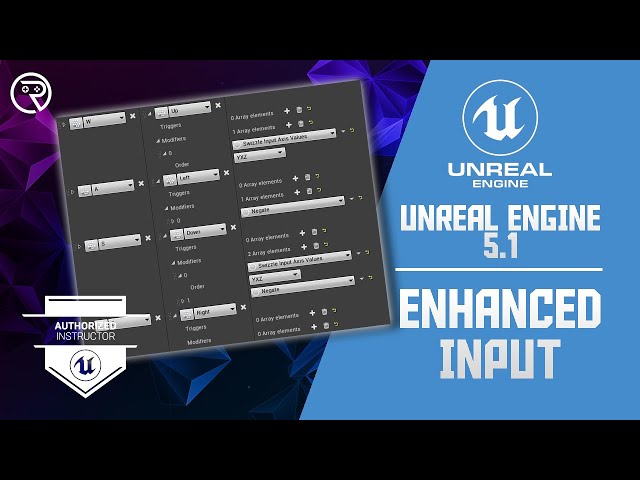
- This video helped me understand how to use Unreal Engine 5’s enhanced input actions system.
- It also helped me understand the improvements that were made to the input system.
- The video was straight to the point and clear and it also had good demonstrations to help me understand.
Edge Scrolling the Viewport using the Mouse (touching screen edges) in Unreal Engine 5 – Tutorial -YouTube
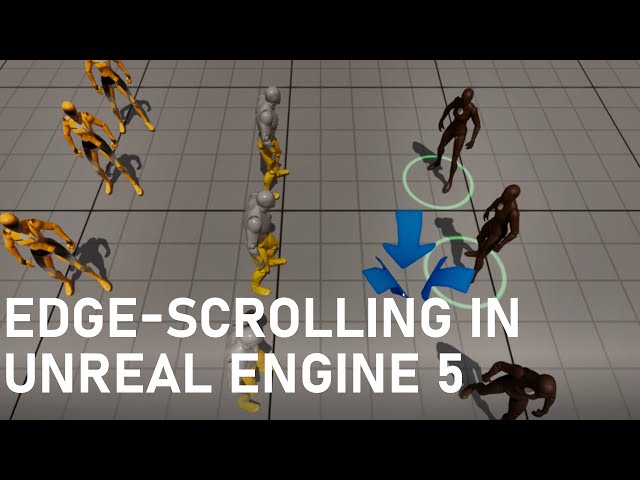
- This video helped me get edge-scrolling working with my camera.
- It could have been more helpful if they coded it to work with a camera that could spin, such as my camera.
- I changed the main method of pan for my camera due to finding this video as this seemed simpler to implement and easier to use than what I was going to implement.
- This video also helped me implement the other method of panning I was going to add. So now the player has 2 methods of panning they can choose between.
How to pass DATA (Variables) from LEVEL to LEVEL using GAME INSTANCE – Tutorial – YouTube
- This video taught me how to use game instances within Unreal Engine 5.
- This helped me carry settings over from the main menu level to the demo level.
- This allowed me to have the player be able to set settings such as pan control and sensitivity on the main menu and have it carry over to any other level.
- If I add extra levels I can use this to carry over the settings and possibly other settings.
How to Make an Inventory System in Unreal Engine 5 – Tutorial – YouTube
- This video helped me set up the UI for game to allow the player to be able to create units and buildings.
- This video also helped me sort out the infrastructure for the units and buildings so that it was easy for me when developing to add more units and buildings into the game.
- This video could have been more helpful if it was about setting up UI and infrastructure for a RTS rather than about an inventory system for a RPG.
Evaluation
Listing allowed me to write down the ideas that came to my head quickly and in a way that made sense to me. It allowed me to see what I hadn’t thought about and flesh out my idea more. As it is quick and easy to write things down in a list it meant I didn’t need to slow down or stop my thinking which allowed my train of thought to keep going and think of more ideas. It then allowed me to go back through my idea and grab the bits I liked the best and re-write those ideas down in a final ideas list. A negative I have about listing is that because it is quick and easy and you don’t think too much about how you’re writing it down it can become messy and hard to understand for anyone else or you later down the line. But I managed to avoid that by formulating the list into a more coherent and organised list when writing it on this website.
Writing a game analysis about Supreme Commander: Forged Alliance allowed me to get a full scope view of what is in a real-time strategy (RTS) game. This allowed me to think about the features I need to include in my RTS game and how they have been done before and how I can improve upon what has been done before. I chose Supreme Commander: Forged Alliance as it is widely considered the best RTS game out there so I wanted to look at the game so I could understand what they got right and how I could translate that into my RTS game idea. RTS games are very big and have a lot of features and game mechanics that people expect to be there so being able to look at another RTS game and analyse it allowed me to be sure I wasn’t going to miss any of those features when design my RTS game. In future when doing game analysis for primary research I would probably look at multiple games within my chosen genre so that I can look at how features have been done differently throughout that genre.
The SWOT analysis allowed me to look at my strengths and weaknesses and showed me what I should show off and what I need to focus on improving. For me I found that I am a good programmer so I have the opportunity to make a fully working demo with lots of features and game mechanics. I also found that I am a perfectionist which is helpful as it will make sure that I get my coding done to a very good working standard. But it could also work against me as I could spend too much time trying to get something that works fine to a perfect standard rather than just moving onto something else. Though SWOT analysis is very good at getting you to think about yourself and your strengths and weaknesses it doesn’t inform you about your audience or competition.
A production schedule allowed me to think about how I want to make this game. It allowed me to manage one of my weaknesses that I found when making my SWOT. The weakness being time management. So making this production schedule will help with managing my time as I will have a plan to follow with and compare with. It will allow me to know when I am falling behind and need to pick up the pace and starting spending more time working on the project. A downside is that it give you no information on your audience or market.
A questionnaire is a very good way of getting a vague idea of what your audience wants. It gives you a lot of quantitative data that you can work with but it also allows you to get some qualitative data as well. But for this questionnaire I only got quantitative data as it is easier to work with. It helps inform you of what direction you should be going with your game and can also help you develop your ideas. But it doesn’t allow you to have a full discussion with people so there can be misunderstandings but also if someone gives a interesting answer to a qualitative question you can’t further explore their idea with them as you don’t have direct contact with them. The questionnaire for me helped me develop my idea and helped me with where I should focus my attention.
Bibliography
Hafer, L. (2016). Ashes of the Singularity: Escalation Review. [online] IGN. Available at: https://www.ign.com/articles/2016/11/10/ashes-of-the-singularity-escalation-review [Accessed 7 Mar. 2024].
Husemann, C. (2016). Ashes of the Singularity Interview. [online] Gaming Nexus. Available at: https://www.gamingnexus.com/Article/5119/Ashes-of-the-Singularity-Interview [Accessed 7 Mar. 2024].
Kester (2007). Chris Taylor Interview about Supreme Commander – Battle for Middle Earth 2 Heaven. [online] Heaven Games. Available at: https://bfme2.heavengames.com/interviews/taylor/ [Accessed 7 Mar. 2024].
Onyett, C. (2007). Supreme Commander: Forged Alliance Review. [online] IGN. Available at: https://www.ign.com/articles/2007/11/10/supreme-commander-forged-alliance-review [Accessed 7 Mar. 2024].
Gorka Games (2023). How to Travel to the Next Level through a Door in Unreal Engine 5. [online] www.youtube.com. Available at: https://www.youtube.com/watch?v=KUwnBb-Kvgw [Accessed 8 Mar. 2024].
Unreal University (2022). How To Create A Main Menu – Unreal Engine 5 Tutorial. [online] www.youtube.com. Available at: https://www.youtube.com/watch?v=kumZj_mov58 [Accessed 8 Mar. 2024].
Laley, R. (2022). Unreal Engine 5 Tutorial – Unreal 5.1 Enhanced Input Actions. [online] www.youtube.com. Available at: https://www.youtube.com/watch?v=qOh0b_-LMkE [Accessed 14 Mar. 2024].
BuildGamesWithJon (2022). Edge Scrolling the Viewport using the Mouse (touching screen edges) in Unreal Engine 5. [online] www.youtube.com. Available at: https://www.youtube.com/watch?v=0MWuiS5c1W4 [Accessed 15 Mar. 2024].
Kamiński, B. (2023). UE 5 TUTORIAL – How to pass DATA (Variables) from LEVEL to LEVEL using GAME INSTANCE. [online] www.youtube.com. Available at: https://www.youtube.com/watch?v=cOm6nDbu5OU [Accessed 21 Mar. 2024].
Laley, R. (2022). UE5 Inventory – YouTube. [online] www.youtube.com. Available at: https://www.youtube.com/playlist?list=PL4G2bSPE_8umjCYXbq0v5IoV-Wi_WAxC3 [Accessed 16 Apr. 2024].
Pitch
Pre-Production
Game Flow Diagram
Game Start
Intros
Main Menu
In Game
Key Game Mechanics
- Camera Movement
- Pan
- Zoom
- Spin
- Resource collection
- Building
- Unit production
- Unit control
- Build
- Repair
- Attack
- Move To